Frame Page
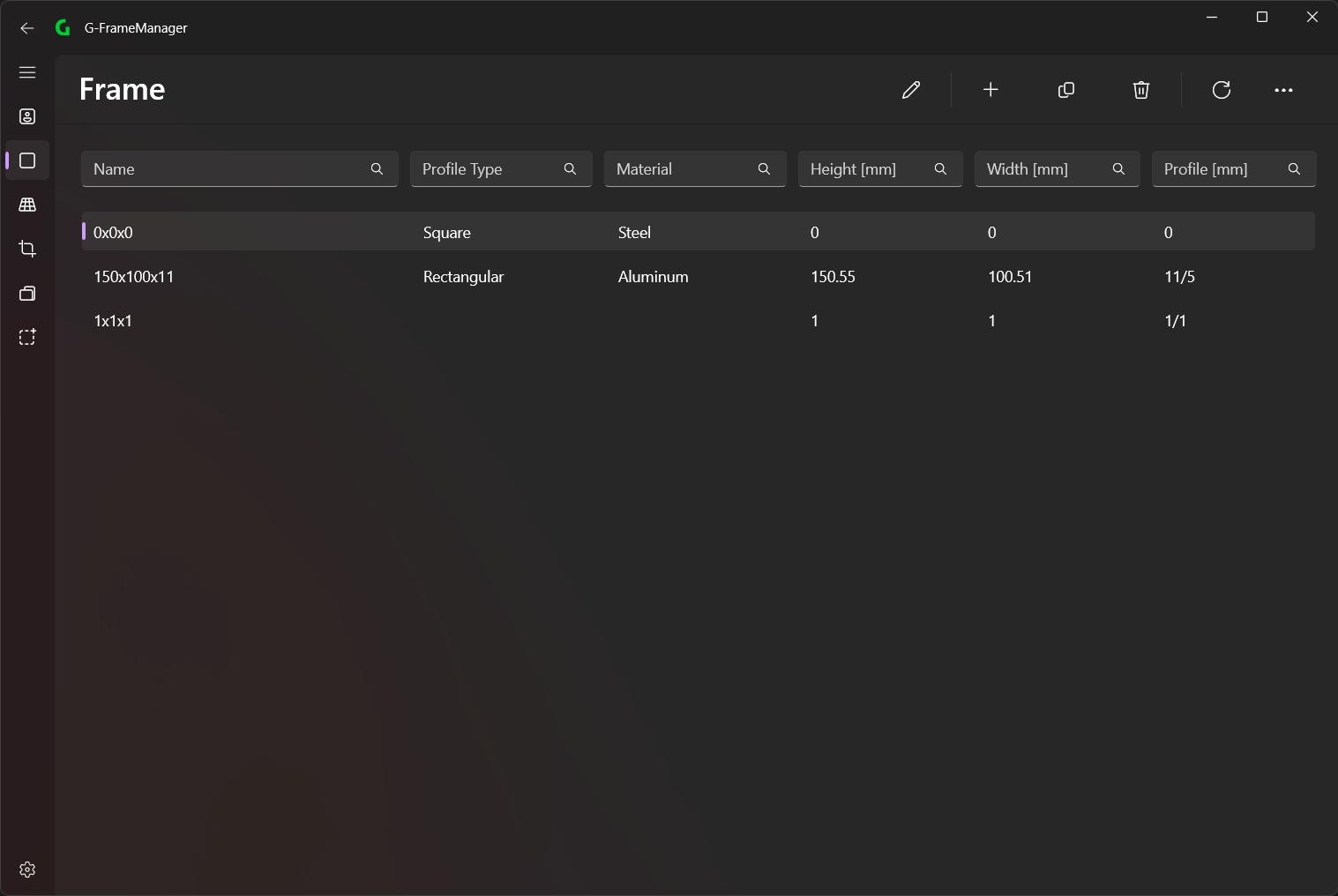
ℹ️
You must be logged in as Admin to change these settings

💡
Data can be imported/exported via CSV files
In the menu bar you can select the different options (from left to right):
- Edit (can also be done by double-clicking on an element or Ctrl + E)
- Add (Ctrl + A)
- Duplicate (Ctrl + D)
- Delete (DEL)
- Refresh (F5)
Add/Edit Frame
Frame
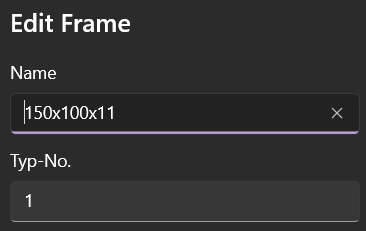
Here you can specify the Name and Typ-No.
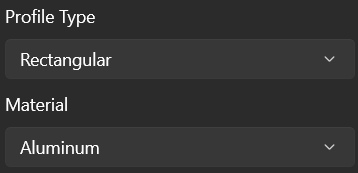
Next, a Profile Type and a Material can be assigned to this Frame.
- Only the options that were added on the Profile Type Page and Material Page are available for selection.
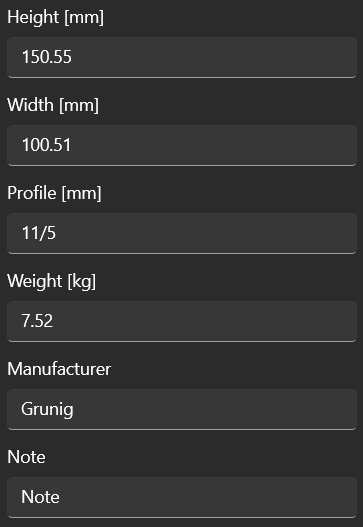
The dimensions and other information are added to the last fields.