G-MPS Import Page
ℹ️
You must be logged in as an admin and have enabled Import via G-MPS to import data.
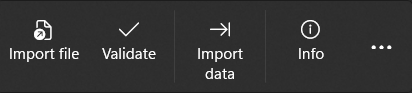
In the menu bar you can select the different options (from left to right):
- Import file: Imports an export file from G-MPS.
- Validate: Checks whether the import data is correct
- Import data: Imports the data and writes/overwrites the data
- Info: Displays information
Import
Export data from G-MPS can be imported here.
❗
It is important that the imported frames already exist. They cannot be created or modified by the import.
💡
Meshes can be created by importing
💡
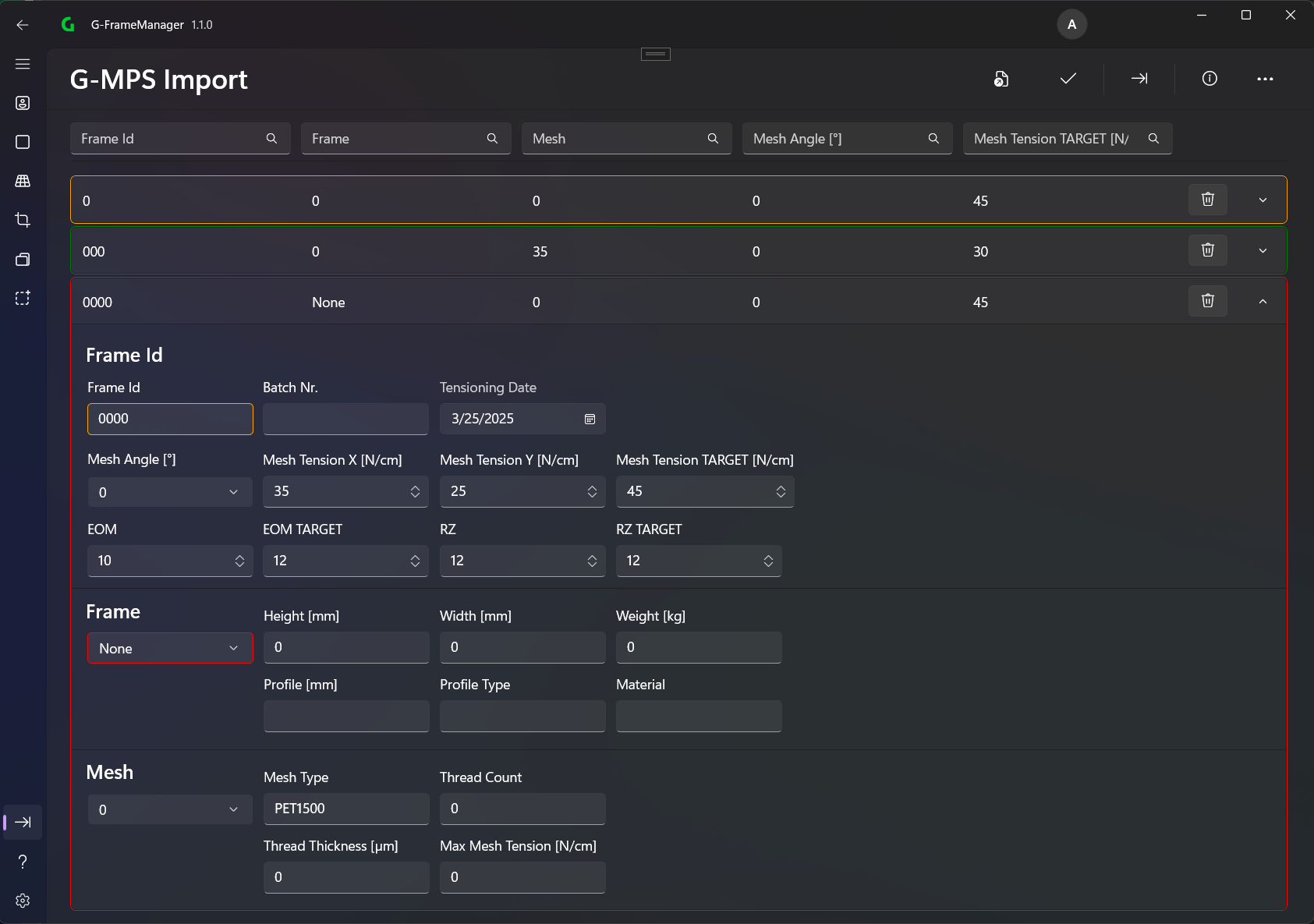
FrameId and all its import data can be changed during import.
During import, the frame as well as the mesh can be changed.
The colors have the following meaning:
- Green: This record is being created
- Orange: This record already modifies an existing one or was modified during import
- Red: This record contains an error and cannot be imported